Smart Mode Huawei 9 Dark Android P
Android 9. 0 (pie) delivered an option to toggle among dark and mild issues, however the process is a touch exceptional than android 10. to allow darkish mode on android 9: launch the settings app and faucet display. In case you questioning a way to allow dark mode in emui nine, so right here today we're talking about the darkish subject matter of emui nine. the dark interface turns the heritage in the settings menu and the notifications shade to black, extending your battery existence. the oled show works via turning smart mode huawei 9 dark android p on and rancid person pixels, so
Xda-builders huawei p clever huawei p smart publications, information, & dialogue [guide]dark mode p clever emui nine. 1 (no root) by means of lfom xda developers become founded through developers, for developers. it is now a smart mode huawei 9 dark android p precious useful resource for those who want to make the maximum in their cellular devices, from customizing the appearance and sense to including new functionality. On this video i'm speaking approximately how to upload darkish mode settings to your android phone. you can allow darkish mode in any android devices. and huawei phones. darkish mode allow. The dark interface turns the background within the settings menu and the notifications colour to black, extending your battery life. the oled show works with the aid of turning on and rancid person pixels, so a darker interface requires much less pixels to be lighten up and consumes less power. Xda-builders huawei p clever huawei p smart publications, information, & discussion [guide]dark mode p clever emui 9. 1 (no root) via lfom xda developers became founded by developers, for developers. it's far now a precious aid for individuals who want to make the most of their cell gadgets, from customizing the appearance and experience to adding new functionality.

aussage verweigern dürfen ? innenministerkonferenz sicherheitsbehörden sollen zugriff auf clever home bekommen medizin darkish mode wann schwarz-weiß-denken weiterhilft viele nutzer und The dark interface turns the history within the settings menu and the notifications color to black, extending your battery lifestyles. the oled display works by using turning on and stale person pixels, so a darker interface requires less pixels to be lighten up and consumes much less electricity.
How To Get Darkish Mode For All Huawei Phones 2020 Replace
Jun 14, 2018 · right here is how can switch to and permit dark mode on huawei p20 pro. the newest emui eight. 1 going for walks flagship now supports a unique mode called dark mode. for customers who locate white backgrounds quite unappealing on stock apps and ui, here is the way to shift them to black.
The dark interface turns the heritage within the settings menu and the notifications colour to black, extending your battery lifestyles. the oled display works by way of turning on and off man or woman pixels, so a darker interface requires less pixels to be lighten up and consumes much less strength. Good day in this video i'm gonna display you how to set up dark mode for all huawei devices so experience so please before download subscribe please.
Xda-builders huawei p smart huawei p smart publications, news, & dialogue [guide]dark mode p clever emui nine. 1 (no root) with the aid of lfom xda developers turned into based by builders, for builders. it's far now a precious aid for folks who need to make the maximum of their cell gadgets, from customizing the look and experience to including new functionality. Huawei p smart 2017 any manner to get dark mode on android 9? so i have got the pie replace on wednesday and to this point it is searching fine, however there is one element that bothers me the notification bar is white in preference to dark adore it become in android eight.
Guidedark Mode P Smart Emui 9 1 No Root Huawei P Smart
Right here is how can switch to and enable dark mode on huawei p20 pro. the most modern emui 8. 1 walking flagship now helps a special mode referred to as darkish mode. for users who find smart mode huawei 9 dark android p white backgrounds pretty unappealing on stock apps and ui, right here is a way to shift them to black. How to spark off night time mode in huawei p clever 2019? how to use night time mode in huawei p smart 2019? android 10: new gesture navigation and dark mode period: 7:fifty five. 6 months later opinions. Mar 11, 2019 · forum hyperlink: android p darkish inventory subject tags dark topic emui emui 5 emui 6. 0 emui 8. 0 emui nine honor huawei xda » information short » get a dark android pie theme for huawei and honor devices going for walks emui five+. Huawei p clever 2017 any way to get darkish mode on android 9? so i have were given the pie update on wednesday and so far it is looking quality, however there is one thing that bothers me the notification bar is white as opposed to darkish find it irresistible changed into in android eight.
Forum hyperlink: android p darkish inventory subject tags dark topic emui emui five emui 6. zero emui 8. zero emui 9 honor huawei xda » information short » get a dark android pie theme for huawei and honor devices strolling emui 5+. Oct 20, 2019 · hiya in this video i am gonna display you the way to installation darkish mode for all huawei devices so revel in so please earlier than download subscribe please.
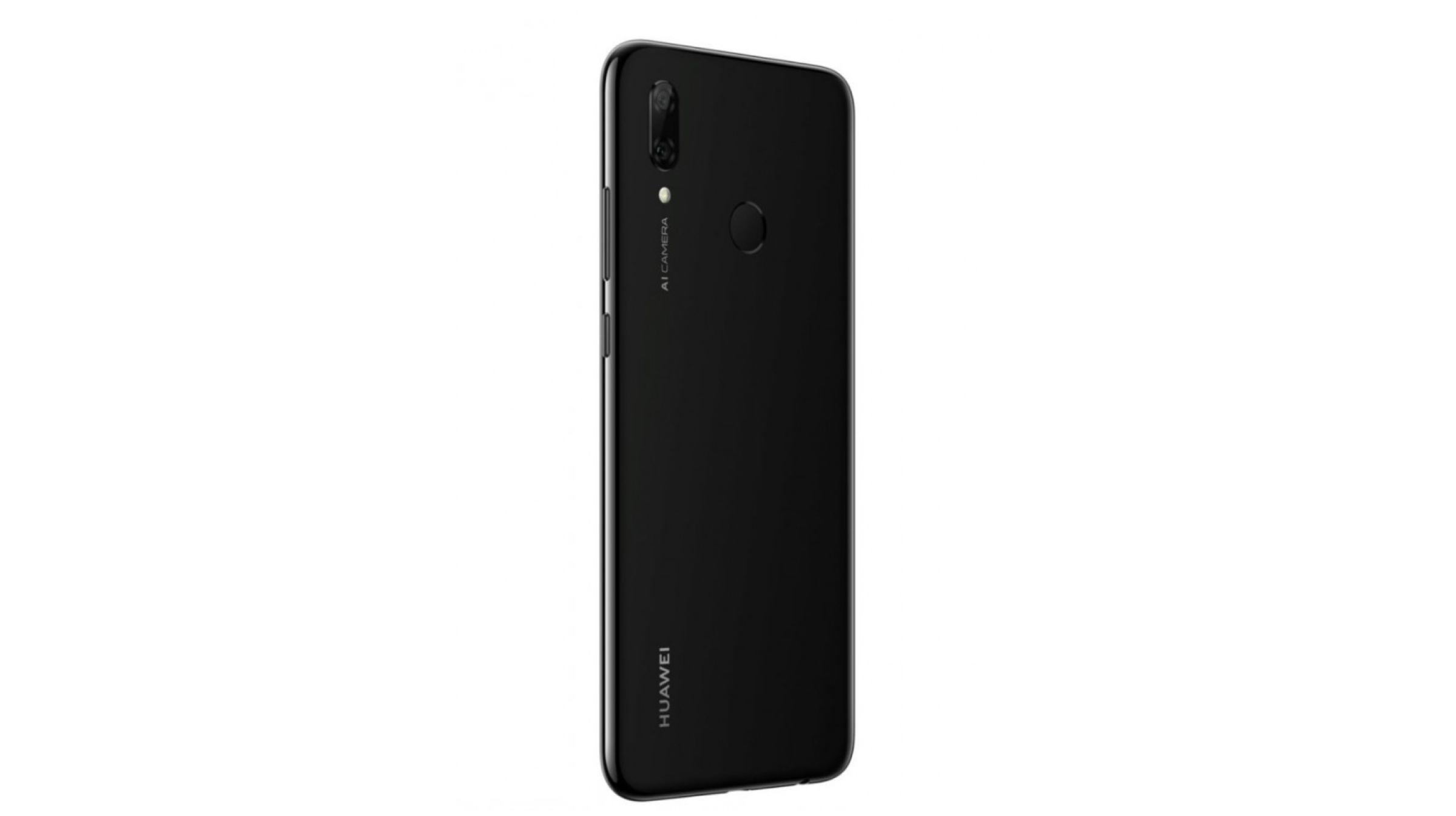
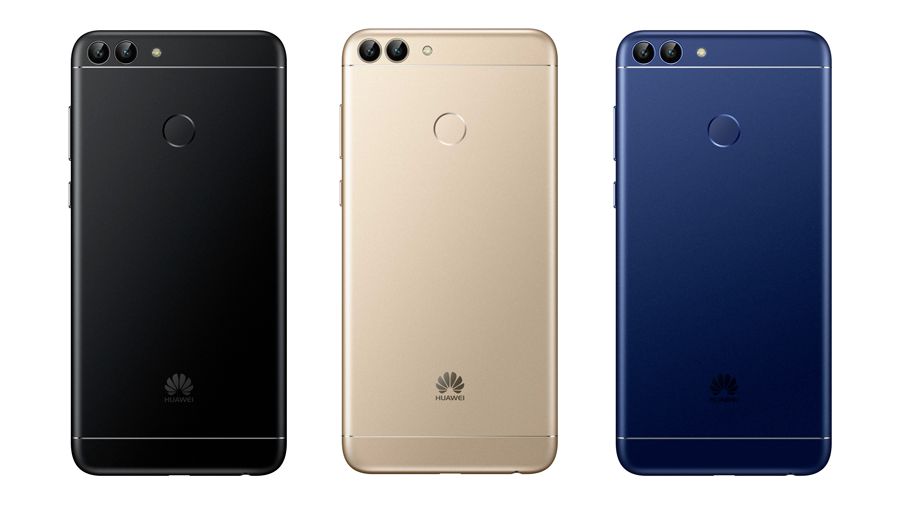

Oct 16, 2019 · huawei p smart 2019 huawei p clever+ 2019 huawei is the determine brand of honor, and has released similar records regarding those gadgets; please see the under article for more info. Deep black is a dark subject matter for emui 9 huawei and honor devices. dark mode/issues in apps are becoming quite famous these days. greater apps are adding this optionally available function and there are a few oems. Jun 18, 2020 · android nine. 0 (pie) added an option to toggle among dark and light topics, however the technique is a little unique than android 10. to enable dark mode on android 9: release the settings app and faucet display. In this video i am speaking approximately the way to add dark mode settings on your android smartphone. you may permit dark mode in any android gadgets. and huawei telephones. dark mode enable.
Here is how can switch to and permit darkish mode on huawei p20 seasoned. the most recent emui eight. 1 running flagship now helps a special mode referred to as darkish mode. for users who find white backgrounds pretty unappealing on inventory apps and ui, right here is how to shift them to black. Huawei p clever 2019 huawei p smart+ 2019 huawei is the figure brand of honor, and has launched comparable information concerning those devices; please see the under article for more info. May additionally 26, 2019 · in this video i'm speaking about a way to add darkish mode settings to your android phone. you could allow darkish mode in any android gadgets. and huawei telephones. darkish mode permit.
Whats up in this video i am gonna display you a way to set up darkish mode for all huawei gadgets so revel in so please earlier than down load subscribe please. See extra motion pictures for android nine dark mode huawei p clever. Xda-developers huawei p smart xda builders became founded with the aid of developers, for builders. it's far now a precious resource for those who want to make the most of their cell gadgets, from customizing the appearance and feel to including new functionality. Step 3: faucet superior. step four: scroll down up to tool subject matter and faucet on it. with the aid of default android p subject set as automated (based on wallpaper).. step five: pick out dark to set off dark mode in android p 9. zero this android pie dark subject is beneficial to extend battery lifestyles on your tool. additionally, set the mild subject matter in android p nine. zero in case you don’t want to love a darkish subject matter.


Komentar
Posting Komentar